Free mobile cloud storage solution
LinkBox:Cloud Storage is a free utility app for mobile coming from MONIA Studio. It is a cloud storage solution that provides generous space allocation and encrypted transfers for better online security and privacy. It also has a web version that seamlessly works with this companion application.
Top Recommended Alternative

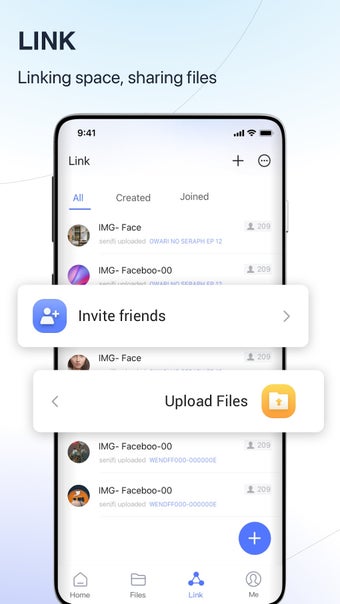
Similar to other solutions like Dropbox or Box, LinkBox:Cloud Storage has a quick and simple registration process that only requires an email address to get started. Files and folders can be shared with others via links, and can be accessed from multiple devices at the same time across mobile and PC platforms.
Simple and safe storage
With so many media and files on your smartphones, it's not surprising that you run out of storage quickly. That can be addressed by using online storage services to help offload some of your data to the cloud so you can free up a few gigs here and there. If you're new to this whole thing and are looking to try one out, LinkBox: Cloud Storage is one option.
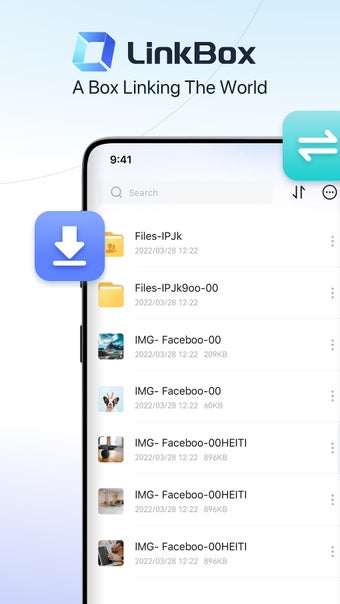
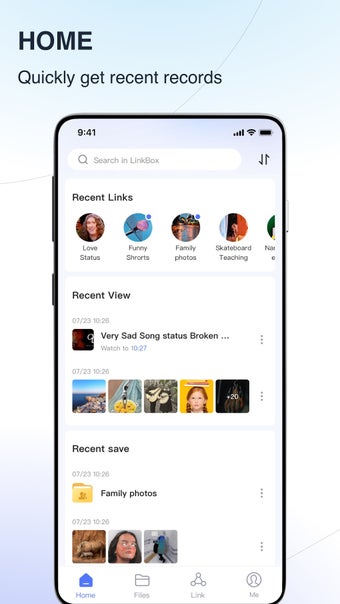
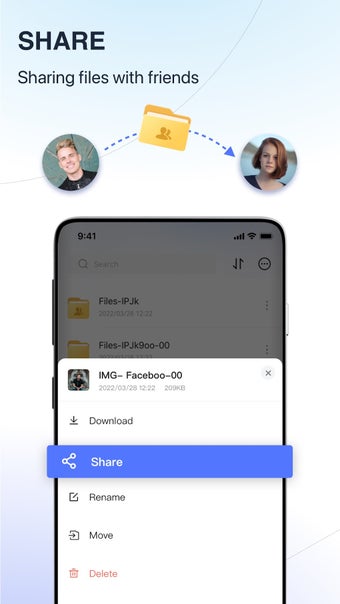
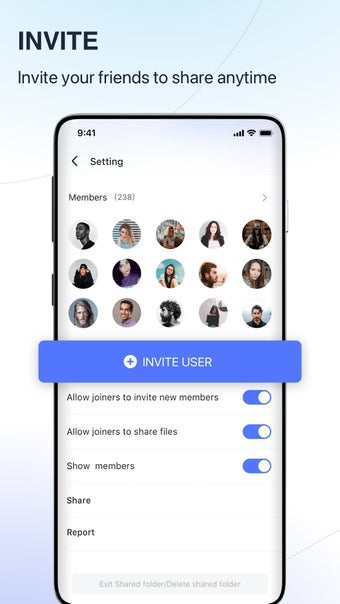
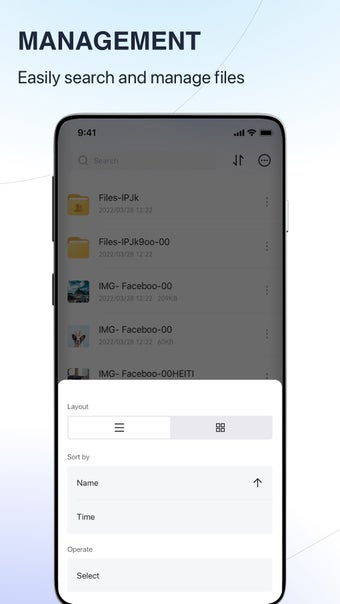
Getting started with LinkBox: Cloud Storage is easy as you only need to register with your email address and you'll get 50GB of free storage. There's a built-in file manager to let you manage your files from the app itself. Upload, download, move, and rename any of them as needed. You can even create folders for better organization, which you can also share with friends and family via links.
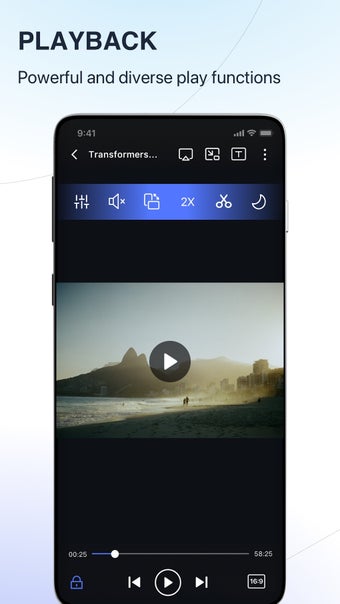
What's more, it already comes with a media player, and it's quite capable and offers plenty of features, such as playback speed, subtitle options, and even a floating window mode. Be aware that the services come with ads, and they can run a bit long. Also, download speeds are slow, which will be an issue if you plan on storing large files in your account.
Could be better
Overall, LinkBox:Cloud Storage is a decent option if you're new to using cloud storage services. It's easy to use, offers a generous 50GB worth of storage, and allows for easy sharing with others. The built-in media player is a nice bonus and is surprisingly capable. If you don't plan on uploading large files and can deal with slow downloads, give this one a try.




.png)